—————————————————————————————————-
!!!!!NOTE!!!!!
All English on the store page and game works are machine translated from Japanese.
If you find a sentence that is inappropriate or offensive, I hope you understand that it is not my intention.
I think it’s hard to read English, but please enjoy the game.
I’m sorry.
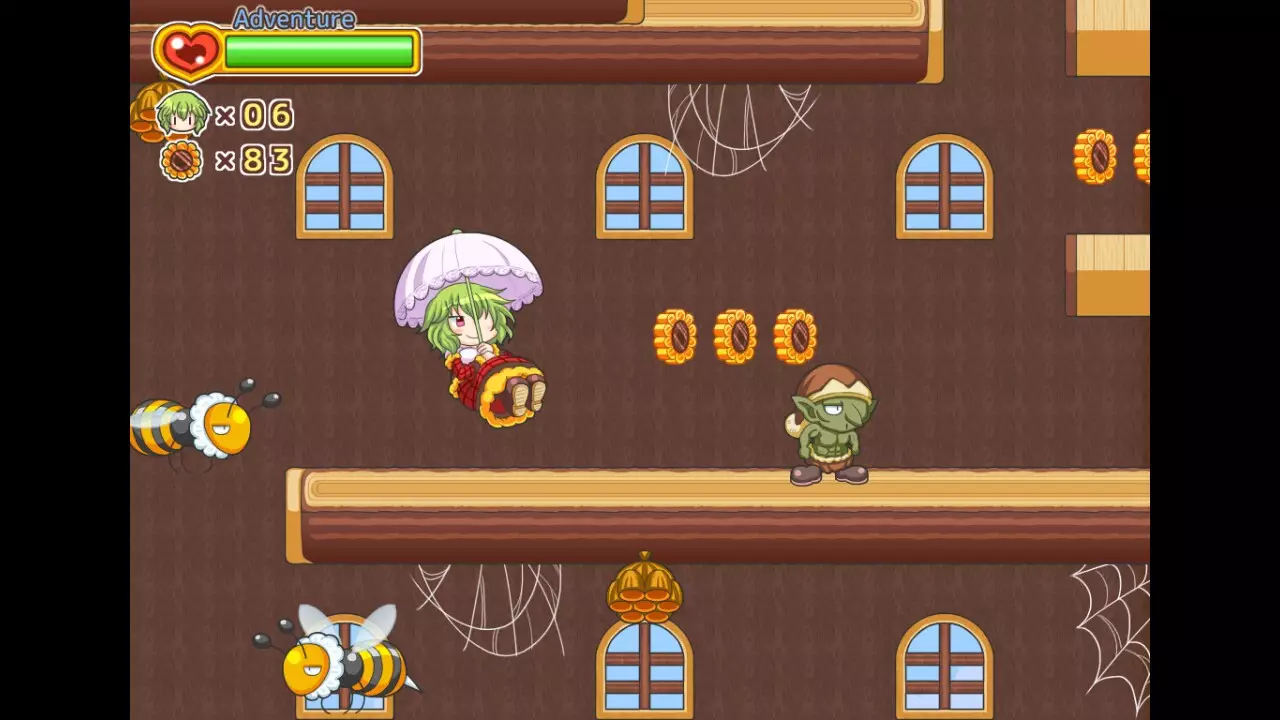
—————————————————————————————————-■ Yuukarin showing various actions.Jump, dash, crouch
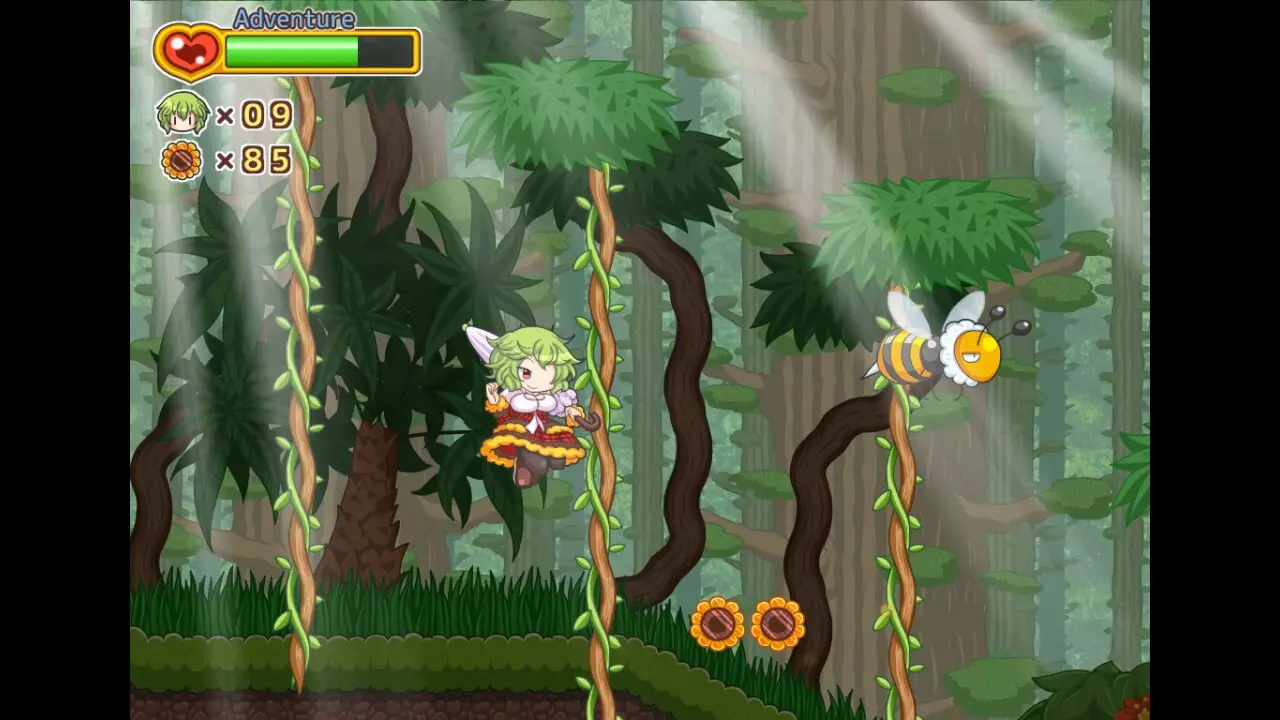
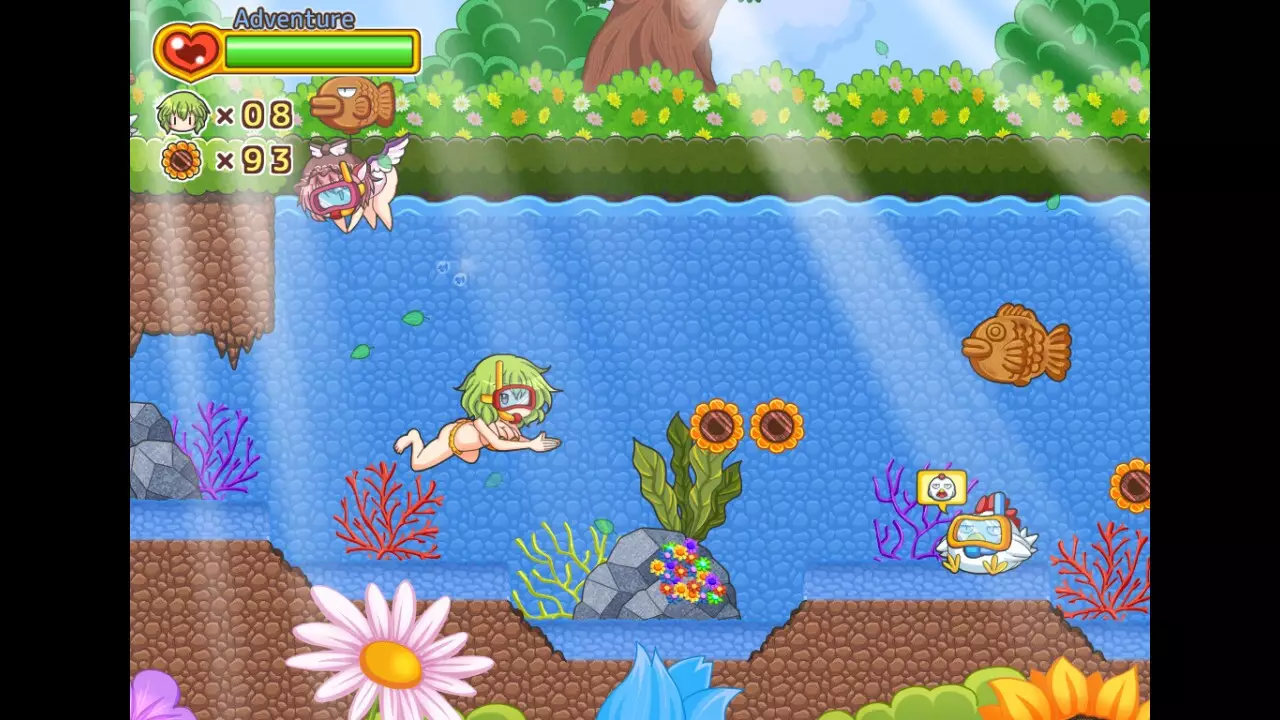
Kick, attack with an umbrella, grab and throw, climb a ladder, grab a hanging ivy, swim
Yuuka Kazami, who takes various actions, sets out for her adventure world to solve her incident.
■ Game difficulty.There are three levels of difficulty: “picnic”, “adventure”, and “expert”.
There is no difference in the game content depending on the difficulty level, so play the game in a style that suits you.■ Characteristic umbrella action.The biggest strategy point of this game is how well you can use levitation.
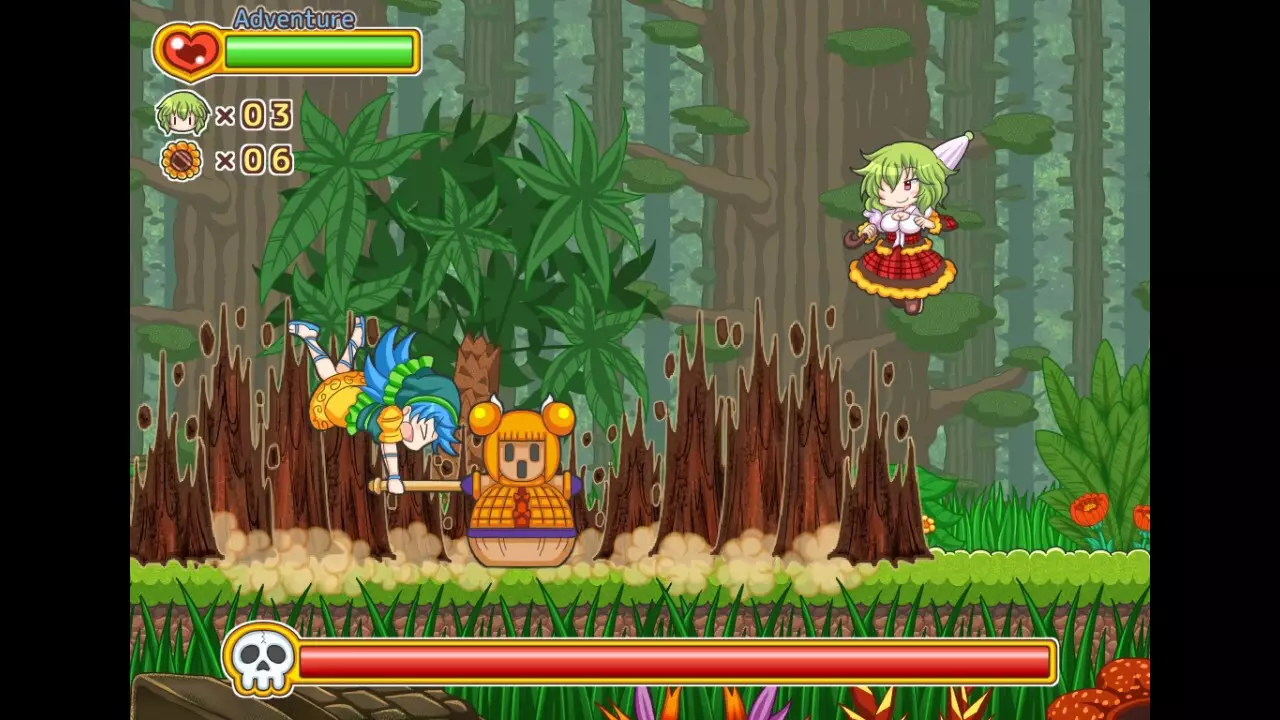
■ An all-hand-painted world.Character, map, effect
Please enjoy the Nu World, which is carefully drawn one by one, to the end.
■ Q&A【Q】I get an error saying that “○○ .dll” does not exist at startup.
【A】
This work was made with “Pixel Game Maker MV”.
If it does not start Please try installing “32bit VC ++ Runtime”.
Or try installing the “Trial Version” of “Pixel Game Maker MV”.
It will almost certainly start because it contains all the runtimes needed to start it.
【Q】It starts in Japanese.
【A】
・While the game is running, press the “F1” key to display the menu bar at the top.
・Select「ゲーム画面」from「設定」.
・From the「言語」list, select English.
・Press “OK”. If you don’t see “OK”, expand or scroll the window. If you exit without pressing “OK”, you will have to do the same operation the next time you start up.
・Press “F1” to close the menu bar.
・Press “F5” to reset the game. If the title logo is in English, you are successful.
【Q】Is it possible to play with the controller ?.
【A】
This work recommends one of the “keyboard”, “Playstation controller”, and “XBOX controller” operations, and the key guidance in the game also supports these three types.
It is possible to play with other controllers, but please note that in-game display guidance is not supported.
Also, it will not be possible to play with the mouse.
【Q】I want to configure keys in the game.
【A】
・While the game is running, press the “F1” key to display the menu bar at the top.
・You can configure the key by selecting “Operation setting” from “Settings”.
・After completing the settings, press “OK” and press the “F1” key to close the menu to complete.
* Not reflected in the in-game guidance display.
支持手柄动作90年代2D萌系横版卷轴2D 平台动作氛围感部分手柄支持动作冒险信仰女性主角乙女单人模式
※ 游戏本体及图像的版权均归原制作方所有