Venture into dungeons with a huge party of your favorite Touhou characters!
This is a dungeon-crawler RPG with an absurdly large party size!
The dungeon-crawler RPG Genso Wanderer is now a game with an Oversized Party System that pushes the envelope of the roguelike genre!
Now you can bring dozens of partners with you on your dungeon crawls, in addition to other quality of life improvements that make the game’s systems and controls smoother than ever.
Overwhelm your enemies with strength in numbers!
Lead tons of your favorite Touhou characters at once and conquer the impregnable Lotus Labyrinth!THE STORYOne day, on one of his scavenging outings to Muenzuka, Rinnosuke Morichika finds a curious device that drifted in from the outside world.
The device turns out to be a machine called the WRS (World Replication System), which generates a playable game set in a cyber-world.
Rinnosuke brings the WRS to Nitori Kawashiro for examination.
Once Nitori activates it, it fulfills its intended purpose by generating the cyber-world Lotus Land.
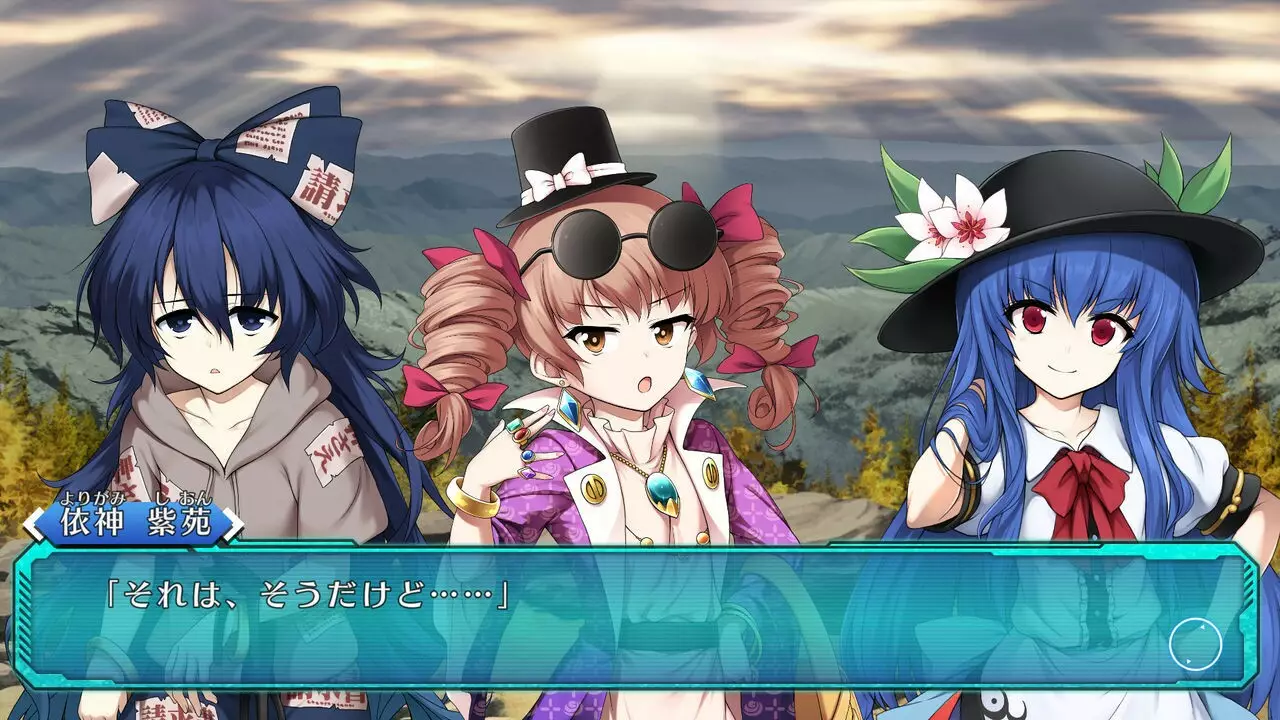
Sanae Kochiya and Tenshi Hinanawi happen to be there for this, and they log into the cyber-world to play this fancy new game.
Little do they know that the cyber-world created by the WRS can also potentially spill over into the real world…
This is the start of an all-new adventure set in a cyber-world!SYSTEM◆Oversized Party System – If you can’t hack it alone, bring the whole gang!
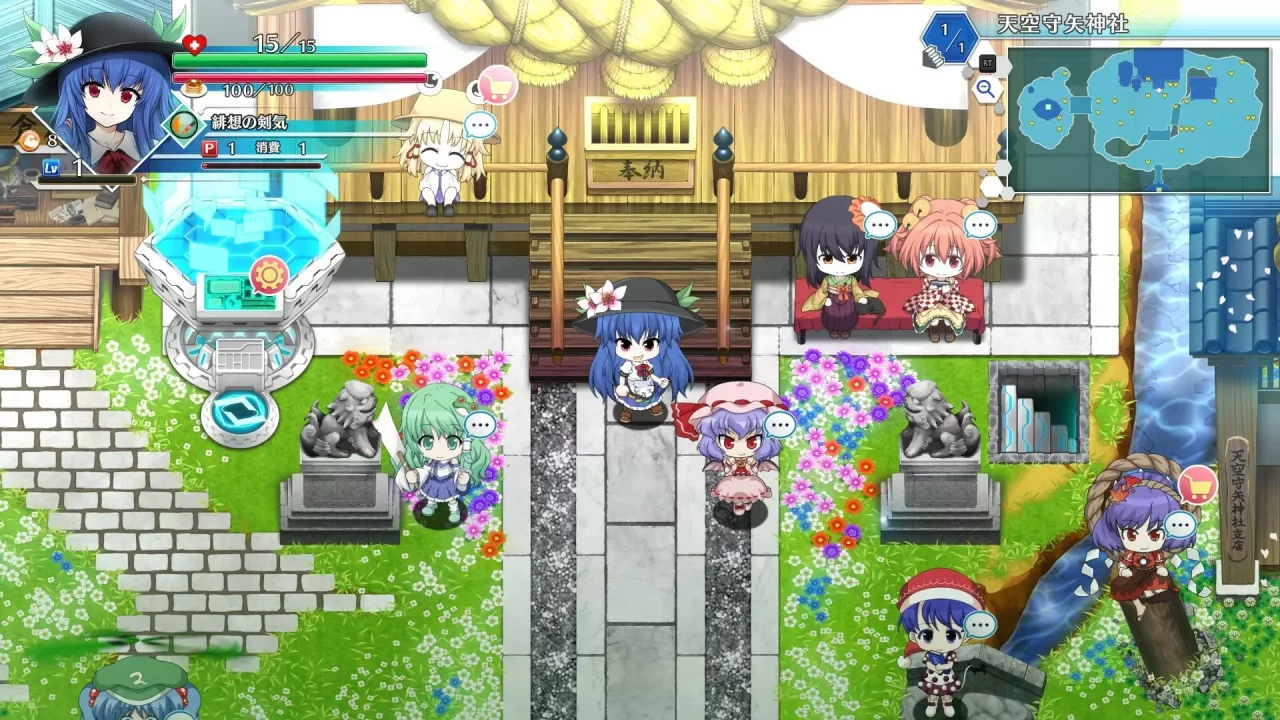
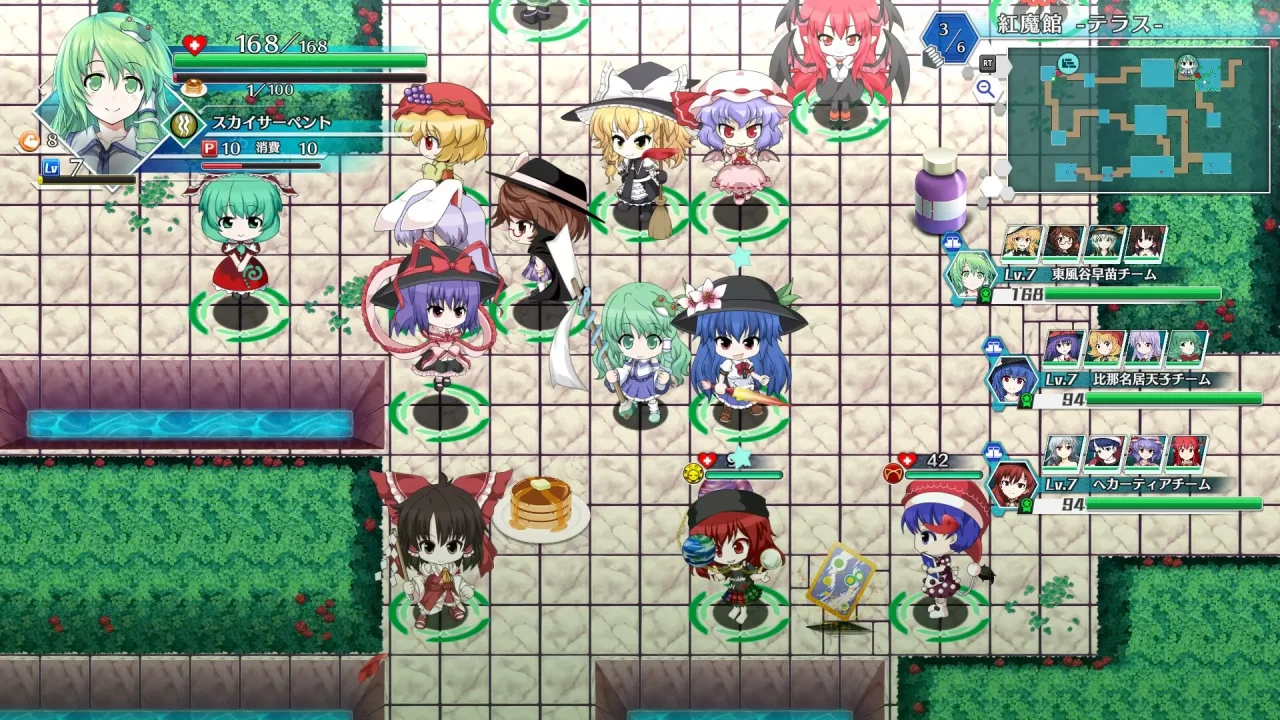
Prior Genso Wanderer games restricted the player to exploring alone, or with a single partner, but no longer! This game lets you bring in tons of partners all at once.
Bring in everybody you’ve recruited! Or just bring in the characters you like! Blaze your way through dungeons with the power of friendship and overwhelming numbers!
◆Oversized Party Formation System – Form teams and bring them all in to conquer dungeons!
In addition to the usual main party led by the player, you can assign your partners to entire other teams with their own leaders, which can then act separately.
You can create optimal party comps, or you can throw all that out the window and make gimmick teams like the Scarlet Devil Mansion Team, the Green Hair Team, the Little Sister Team, or whatever else you feel like!
◆Partner Skill System – Master various skills, share them with partners, and power them up!
In this game, partner abilities grow stronger with Skill items.
Raise your partners’ ranks and bring out their latent abilities!
You can also assign skills by team!
Customize and set skills to suit your own style of play!
◆Mega Variety Equipment System – Load up on tons of weapons and armor!
In a departure from prior Genso Wanderer titles, you can now equip up to 10 separate weapons, 10 separate pieces of armor, and 10 separate charms, all at the same time!
And this equipment strengthens more than just the player. All of your party members benefit from it!
Select an equipment loadout that accounts for all of your partners’ traits and weaknesses, not just your main character’s!FAQ◆Saving
This game autosaves at the following points:
・Moving to a new floor
・Abandoning or suspending a dungeon
・Returning to the title screen from the Option menu
◆Quitting the game
In dungeons: Choose Suspend in the magic circle on any floor, then choose Quit from the title screen menu.
Out of dungeons: Choose Return to Title from the menu, then choose Quit from the title screen menu.
◆Switching Screen Mode
You can switch between window mode and full screen mode by pressing Alt + Enter.
◆Window size setting
You can change [userprefs.json] file in [My Documents / 不思議の幻想郷 ロータスラビリンス] folder.
Text edit the value of “windowedSize”: [1280, 720] and make it smaller than the resolution of the screen resolution.
(Note: In some cases, changing the resolution may crash the game)
◆Keyboard controls
BASIC MENU KEY CONFIG
Cursor up: ↑
Cursor down: ↓
Cursor left: ←
Cursor right: →
Confirm: Z
Cancel: X
OTHER MENU KEY CONFIG
Tab left: D
Tab right: F
Scroll up: PageUp
Scroll down: PageDown
Function 1: C
Function 2: A
Function 3: E
Function 4: W
Function 5: Left Shift
Switch menu left: G
Switch menu right: H
Filter: PageUp
Sort: PageDown
Scroll left: Home
Scroll right: End
Quick command up: Home
Quick command down: End
Quick command left: PageDown
Quick command right: Delete
Switch equipment set up: Home
Switch equipment set down: End
DUNGEON KEY CONFIG
Move up: ↑
Move down: ↓
Move left: ←
Move right: →
Attack: Z
Dash: X
Cross menu: A
Turn in place: C
Fire danmaku: D
Switch to Danmaku 1: PageDown
Switch to Danmaku 2: End
Switch to Danmaku 3: Delete
Switch to Danmaku 4: Home
Check danmaku radius: Insert
Instant dash: F
Diagonal movement: LeftControl
Options menu: E
Resize mini-map: Space
Walk in place: Tab
Switch mini-map: V
Switch player: B
CROSS MENU KEY CONFIG
Items: ↑
Tactics/Team: ←
Equipment: →
Underfoot: ↓
Switch stat display: H
DIALOGUE KEY CONFIG
Text speed up: PageUp
Text speed down: PageDown
Next: Z
Hide text: X
Auto: Space
Options: A
Back log: C
Skip: F
End chapter: E
CHANGING KEY CONFIG
With default settings enabled, press E to open the menu, then press D and F to navigate to [Key configuration] and make any changes.
Be aware of the following things when changing key configurations:
You cannot assign multiple functions to the same key. If you try to assign a function to a key that already has a function assigned to it, this will switch the key assignments for the two functions.
On the key configuration screen, the Function 2 key (Default: A) will restore keys to their default settings. Be careful not to press it by accident.
You will need to save your game to preserve any changes made to key configuration (See the Saving section above for more details).
If you force-quit the game without saving, your new key configuration settings will not be saved the next time you start up the game.
RoguelikeSteam 成就独立游戏Steam 云存档冒险完全手柄支持动漫角色扮演游戏信仰单人模式

※ 游戏本体及图像的版权均归原制作方所有